How to connect your establishment to the FaceToPlace service?
In fact, everything is quite simple.
If you have already met social network, you understand the principle of operation, you can start confirming the page.
To confirm the page you will need
Facetoplace mobile application
You will also need to provide the following information:
• Name of establishment/place
• Brief description
• Photo (cover)
Step 1
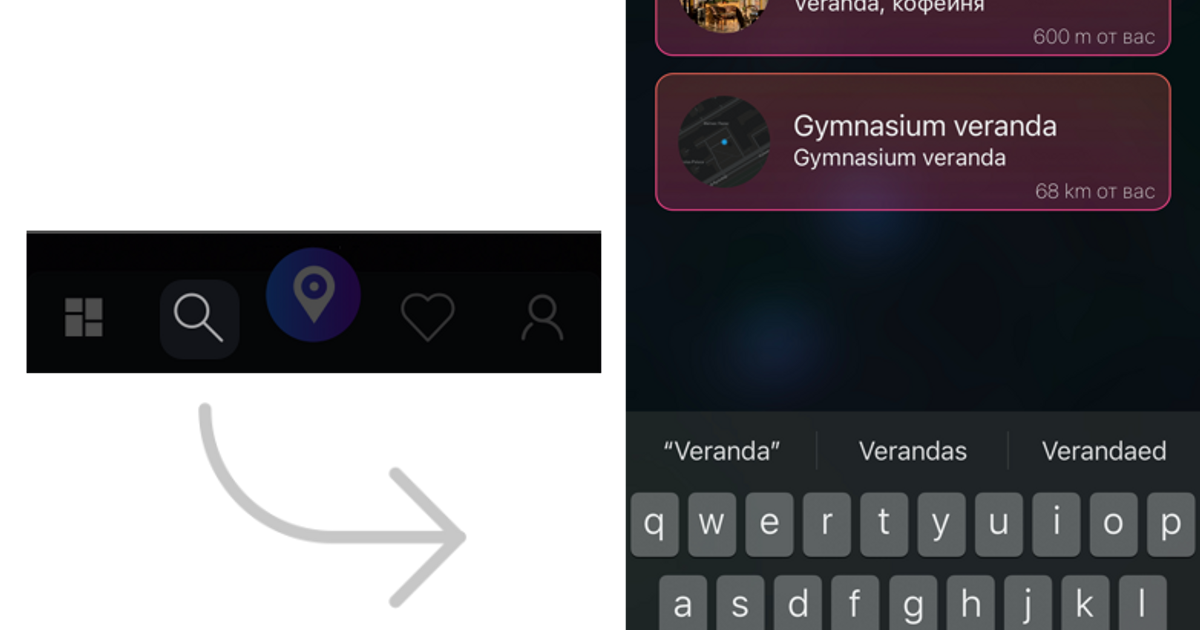
Find your establishment's page
You can use the search, or just check in at your establishment 😉
If the place has already been created on Google Maps or Yandex Maps, you can send a link from these maps to our telegram bot, it will help you find the page with FaceToPlace.
Step 2
Open "Actions" and choose "I am the owner of this place"
Step 3
Follow the bot's prompts and provide it with the data necessary for confirmation
Step 4
After confirmation, a check mark will appear next to the name of the establishment, meaning that the establishment now has a confirmed owner ✅
After this, you will have tools for managing the page and the opportunity to join a closed chat of establishment owners 🤫
We will conduct a free audit of your establishment and tell you what can be improved to improve the ranking of your place on maps and in FaceToPlace